
Last quarter, my company had a problem: we were spending $1,200/month per developer on AI coding tools and nobody could agree which one was actually best. So I volunteered to test all three for 60 days straight on real production code — not toy demos.
The results genuinely shocked me.
After 60 days of using Cursor, Claude Code, and GitHub Copilot daily on actual codebases, I found that most comparison articles online are dangerously wrong. They compare features instead of workflows. They cite benchmarks instead of real-world performance. And almost none of them tell you which tool to pick if you’re a solo developer vs. team lead vs. enterprise.
In this guide, I’ll show you the real differences between the three dominant AI coding tools of 2026 — including pricing, performance, hidden costs, and exactly which one to pick for your situation.
Quick Answer: Claude Code is the best AI coding tool for complex multi-file refactoring and senior engineers ($20-200/month, 80.8% SWE-bench Verified). Cursor is the best daily IDE experience for most developers ($20/month). GitHub Copilot is the best budget option and enterprise default ($10-39/month). Most professional developers in 2026 use TWO tools: Cursor for daily editing + Claude Code for complex tasks.

The 2026 AI Coding Landscape (Why This Matters Now)
Here’s a stat that will blow your mind: According to Stack Overflow’s developer surveys, 95% of developers now use AI coding tools at least weekly, and 75% use AI for more than half of their coding work.
This isn’t a niche tool category anymore. It’s core infrastructure.
But here’s what changed in 2026 specifically:
- AI tools moved from autocomplete to autonomous agents — they now plan features, write tests, and refactor entire codebases
- Pricing tiers exploded — from $10/month basic to $200/month power user plans
- Three dominant players emerged — with completely different philosophies
Before we dive in, let me share something important: According to industry data, 48% of AI-generated code contains security vulnerabilities. Picking the right tool matters not just for productivity, but for code safety.
Let’s break down each one honestly.
🥇 Tool 1: Claude Code (Anthropic) — The Power User’s Choice
Best For: Complex refactors, large codebases, autonomous tasks
Pricing: $20/month (Pro) to $200/month (Max plan with full access)
My Rating: 9.5/10
What It Actually Is:
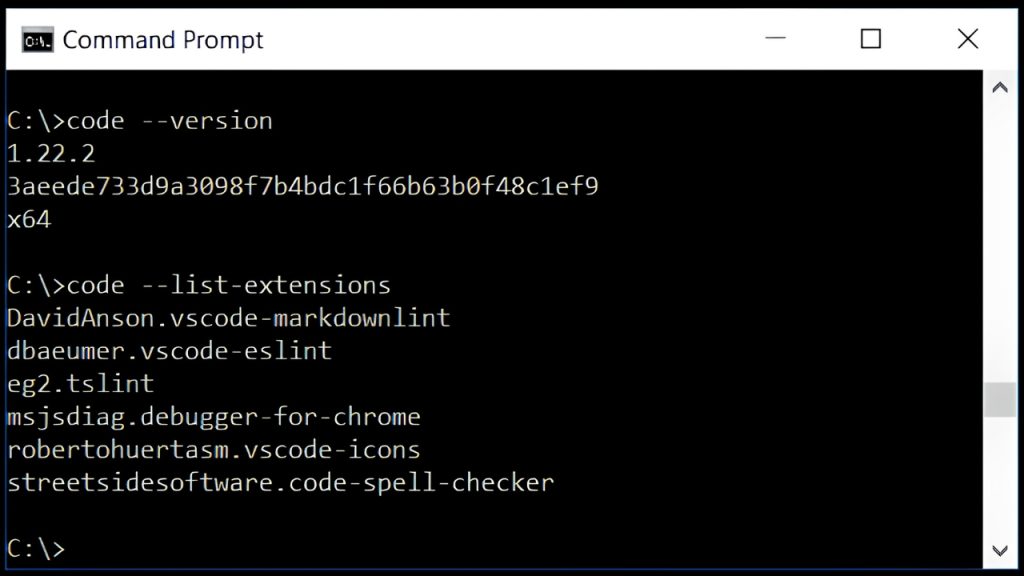
Claude Code is Anthropic’s terminal-native AI coding agent. Unlike Cursor (which is an IDE) or Copilot (which is an extension), Claude Code lives in your terminal and operates with deep autonomy.
You don’t autocomplete with Claude Code. You give it a task — like “refactor this 600-line service into clean modular components” — and it plans, executes, runs tests, fixes its own mistakes, and delivers the result.
Why It’s Winning in 2026:
According to recent developer surveys, Claude Code has a 46% “most loved” rating among developers, compared to Cursor at 19% and GitHub Copilot at just 9%. That’s a stunning reversal in under a year.
The reason? Performance.
Claude Code dominates SWE-bench Verified:
- 80.8% accuracy on SWE-bench Verified (industry standard)
- 1 million token context window (largest in the industry)
- Top three SWE-bench scores all go to Claude models
What Makes It Unique:
✅ True autonomy — runs shell commands, edits multiple files, executes tests
✅ Massive context window — handles entire enterprise codebases
✅ Slack and IDE integrations — works wherever you work
✅ Best at complex refactors — multi-file changes that other tools struggle with
My 60-Day Experience:
I gave Claude Code our nightmare task: refactoring a 600-line service file with mixed business logic, data access, and API formatting. The kind of file every senior engineer dreads.
Claude Code asked me clarifying questions BEFORE touching anything. Then it created a plan, executed it across 12 files, and ran our test suite. Time elapsed: 47 minutes. Same task done manually would have taken me 4-5 hours.
Where It Falls Short:
❌ Steeper learning curve — terminal-first approach intimidates juniors
❌ No visual editor by default — need to pair with Cursor for diff previews
❌ Single model lock-in — Anthropic only, no GPT or Gemini
❌ Most expensive at top tier — Max plan is $100-200/month
The Verdict on Claude Code:
If you’re a senior developer working on complex codebases, this is your tool. Period. The productivity gains justify the price tag for any professional context.
🔗 Try it: Claude Code
🥈 Tool 2: Cursor — The Best Daily Driver
Best For: Daily coding, visual workflows, mid-experience developers
Pricing: Free tier / $20/month (Pro) / $40/month (Pro+) / $200/month (Ultra)
My Rating: 9/10
What It Actually Is:
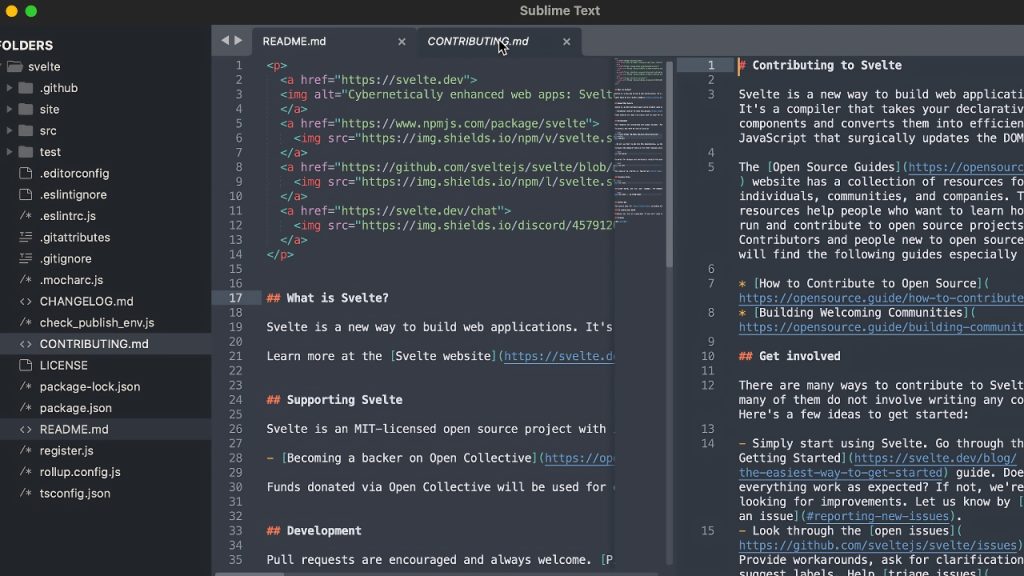
Cursor is a standalone IDE built as a VS Code fork with AI integrated into every workflow. It’s not an extension you bolt on — it’s a complete editor redesigned around AI-assisted development.
According to recent reports, Cursor reached $500M ARR in 2025 and continues growing rapidly. There’s a reason for that.
Why Developers Love It:
✅ Supermaven autocomplete — 72% acceptance rate (industry-leading)
✅ Composer for multi-file editing — visual, intuitive
✅ Background agents — autonomous tasks without leaving your editor
✅ Multi-model support — pick from Claude, GPT, Gemini, etc.
✅ Privacy mode — code never leaves your machine
My 60-Day Experience:
Cursor handled about 80% of my daily coding work without friction. The Supermaven autocomplete is genuinely impressive — it feels like the editor reads your mind. I’d start typing a function and it would predict not just the next line, but the next 5-10 lines accurately.
The Composer feature changed how I think about multi-file edits. You describe what you want, Cursor shows you a visual diff across multiple files, and you accept or modify with simple controls.
For greenfield projects? Cursor is unbeatable.
Where It Got Frustrating:
❌ Privacy concerns — sends code to external APIs by default
❌ TypeScript edge cases — sometimes generates type-unsafe code
❌ Costs add up — Ultra plan ($200/mo) needed for heavy users
❌ Less autonomous than Claude Code for complex multi-step tasks
Real-World Pricing Reality:
Per recent reports from companies like Uber, AI tool budgets are getting blown through fast. Engineers using these tools heavily can hit $200-500/month in actual usage costs at the top tiers. Budget accordingly.
The Verdict on Cursor:
If you spend most of your day in an IDE writing code, Cursor is your tool. The combination of speed, model flexibility, and visual feedback is unmatched for daily development work.
🔗 Try it: Cursor
🥉 Tool 3: GitHub Copilot — The Enterprise Default
Best For: Enterprise teams, GitHub-centric workflows, budget users
Pricing: $10/month (Pro) / $39/month (Pro+) / $39/seat (Enterprise)
My Rating: 7.5/10
What It Actually Is:
GitHub Copilot is the original mainstream AI coding tool. In 2026, it’s no longer the most exciting option, but it remains the most reliable and widely-adopted.
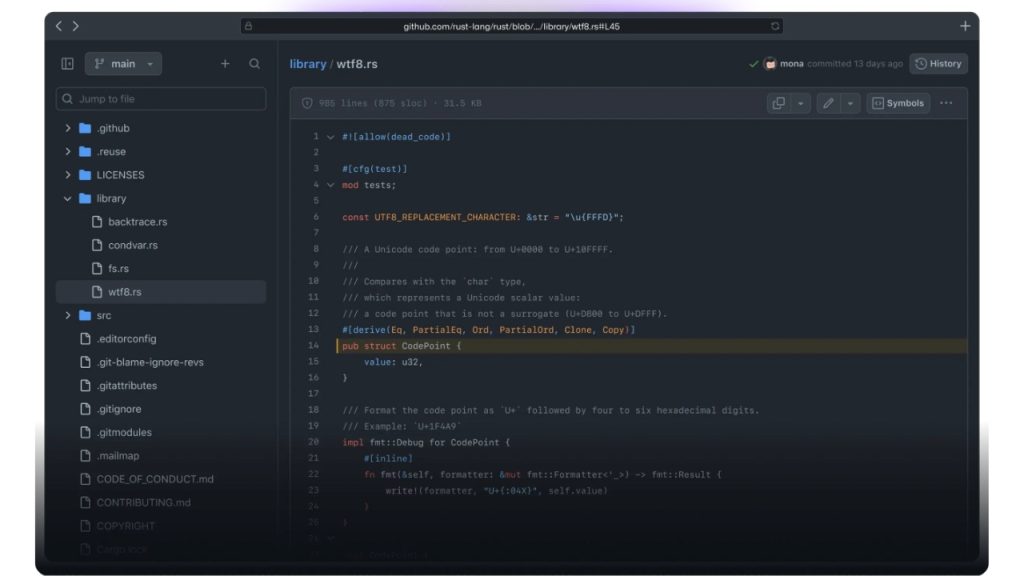
It works as an extension across VS Code, JetBrains, Visual Studio, and Neovim. You install it in 60 seconds and start coding.
Why It Still Matters in 2026:
✅ Cheapest option — $10/month is unbeatable
✅ Most accessible — useful free tier for individuals
✅ Best enterprise story — SOC 2, SSO, audit logs, IP indemnification
✅ Multi-IDE support — works with whatever editor your team uses
✅ Deep GitHub integration — issues, PRs, CI/CD all connected
What Improved in 2026:
GitHub didn’t sit still. They added:
- Agent Mode — multi-step task execution
- Multi-model support — GPT-4o, Claude Sonnet, Gemini Pro
- Next Edit Suggestions — predicts your next changes
- Workspace — codebase-level context understanding
Where It Falls Short:
❌ Lags behind on autonomy — Claude Code does it better
❌ Less impressive context — smaller window than competitors
❌ Feels “table stakes” in 2026 — what was magical is now basic
❌ Best features need Pro+ ($39/mo) — entry tier is limited
The Verdict on GitHub Copilot:
For solo developers on a tight budget? Copilot at $10/month is genuinely the best value. For enterprise teams worried about compliance? Copilot’s enterprise story is the most mature. But for anyone making a purely capability-based decision? The competition has caught up and surpassed it.
🔗 Try it: GitHub Copilot
📊 The Full Comparison Table
| Feature | Cursor | Claude Code | GitHub Copilot |
|---|---|---|---|
| Starting Price | $20/mo | $20/mo | $10/mo |
| Top Tier | $200/mo (Ultra) | $200/mo (Max) | $39/mo (Pro+) |
| Free Tier | ✅ Yes | Limited | ✅ Yes (best) |
| SWE-bench Score | ~75% | 80.8% | ~65% |
| Context Window | 200K tokens | 1M tokens | 128K tokens |
| Multi-model | ✅ Yes | ❌ Anthropic only | ✅ Yes |
| Privacy Mode | ✅ Yes | ✅ Yes | ✅ Yes |
| Multi-IDE Support | ❌ Standalone | ❌ Terminal | ✅ Yes |
| Agentic Mode | ✅ Good | ✅ Best | 🟡 Catching up |
| Best For | Daily IDE work | Complex tasks | Budget/Enterprise |
| “Most Loved” Rating | 19% | 46% | 9% |
💰 Real Cost Analysis (What You’ll Actually Pay)

Here’s the part most articles skip: the listed price is rarely what you pay.
Cursor Real Costs:
- Light user: $20/month (Pro tier sufficient)
- Power user: $40-60/month (Pro+ needed)
- Heavy user: $100-200/month (Ultra for unlimited)
Claude Code Real Costs:
- Light user: $20/month (Pro plan)
- Power user: $50-100/month (Max plan)
- Heavy user: $200/month + API token usage
GitHub Copilot Real Costs:
- Light user: $10/month (Pro is enough)
- Power user: $39/month (Pro+ tier)
- Enterprise: $39/seat (organizational features)
Honest Annual Math (For a Professional Developer):
- Cursor only: $240-720/year
- Claude Code only: $240-2,400/year
- Copilot only: $120-468/year
- Two-tool combo (most popular): $480-1,200/year
The popular setup among senior developers? Cursor Pro ($20) + Claude Code as needed ($20-100). Total: $40-120/month.
🎯 Which Tool Should YOU Pick?
Don’t just pick the “best” tool — pick the one that fits your situation.
Pick Cursor If You:
✅ Spend most of your day in an IDE
✅ Want the smoothest autocomplete experience
✅ Need multi-model flexibility (Claude + GPT + Gemini)
✅ Value visual diff workflows
✅ Are a solo dev or small team
✅ Have a budget around $20-40/month
Pick Claude Code If You:
✅ Are a senior developer or team lead
✅ Work on large/complex codebases (50K+ lines)
✅ Need autonomous multi-file refactoring
✅ Are comfortable in the terminal
✅ Will use AI for the most complex work
✅ Have budget of $50-200/month
Pick GitHub Copilot If You:
✅ Are on a tight budget ($10/month)
✅ Want the easiest setup (60 seconds)
✅ Work in JetBrains, Visual Studio, or Neovim
✅ Need enterprise compliance features
✅ Already use GitHub heavily
✅ Are part of a large organization
Pick TWO Tools If You:
✅ Are a professional developer making $80K+
✅ Want to maximize productivity
✅ Can justify $40-120/month total
✅ Already use AI daily

⚠️ The Hidden Gotchas Nobody Talks About
After 60 days, here are the issues you won’t find in marketing pages:
1. Security Vulnerabilities
According to industry research, 48% of AI-generated code contains security vulnerabilities. With 27% of all production code now AI-authored, this is a real exposure.
Mitigation: Always run security scans on AI-generated code. Don’t blindly merge AI suggestions.
2. Junior Developer Trap
Junior developers using these tools to write business logic = productivity multiplier.
Junior developers letting AI decide system architecture = future incident.
Mitigation: Set clear team guidelines on what AI can and can’t decide.
3. The “It Works But Is Wrong” Problem
I had Cursor generate TypeScript code that was syntactically correct but semantically wrong. It compiled fine. It passed type checks. It produced bugs in production.
Mitigation: Review AI code MORE carefully than human code, not less.
4. Vendor Lock-in Risk
Building your workflow around one tool creates lock-in. If pricing changes (and it has — Windsurf moved from $15 to $20 in March 2026), you’re stuck.
Mitigation: Master tool-agnostic skills (prompting, code review, architecture).
🚀 The Power User Workflow (What I Use Now)
After my 60-day experiment, here’s the setup I personally adopted:
Daily Editing: Cursor Pro ($20/month)
- Supermaven autocomplete for routine code
- Composer for multi-file changes
- Quick AI chat for stuck moments
Complex Tasks: Claude Code (Pay-as-needed, ~$50/month)
- Major refactors
- Cross-file architectural changes
- Long-running autonomous tasks
Backup/Specific Cases: GitHub Copilot (Free tier)
- Quick autocomplete in VS Code when not in Cursor
- Pull request descriptions
- Issue management
Total monthly cost: ~$70
Productivity gain: Estimated 40-60% on routine work, 2-3x on complex tasks
❓ Frequently Asked Questions
Which is the best AI coding tool in 2026?
For most professional developers, the best AI coding tool is Cursor for daily work + Claude Code for complex tasks. Claude Code has the highest raw capability (80.8% SWE-bench), Cursor has the best daily UX, and GitHub Copilot is the best budget/enterprise option.
Is Claude Code better than GitHub Copilot?
For technical capability: Yes, significantly. Claude Code scores 80.8% on SWE-bench Verified vs Copilot’s ~65%, and has a 1M token context window vs Copilot’s 128K. However, Copilot is cheaper ($10/mo vs $20/mo) and has better enterprise features.
Is Cursor worth it over GitHub Copilot?
If you have $20/month and spend most of your day coding, yes. Cursor’s Supermaven autocomplete (72% acceptance rate) and Composer multi-file editing genuinely outperform Copilot’s basic features. However, if you’re on a tight budget or use multiple IDEs, Copilot at $10/month is excellent value.
Can I use all three AI coding tools together?
Yes, and many professional developers do. The most common setup is Cursor for daily editing + Claude Code for complex tasks. Some teams add Copilot for specific GitHub workflows. Total monthly cost: $40-120 depending on usage.
Are AI coding tools safe for production code?
They produce useful code but require human review. About 48% of AI-generated code contains security vulnerabilities, so always run security scans and never blindly merge AI suggestions to production. Use AI as a productivity tool, not a replacement for code review.
Do AI coding tools replace junior developers?
Not directly, but they change the role. Junior developers using AI tools properly are 30-50% more productive. Companies like Uber have reported their engineers using Claude Code burning through entire 2026 AI budgets by Q1 — replacing the work of multiple junior developers. The smart move for juniors is to master AI tools, not avoid them.
Which AI coding tool has the best free tier?
GitHub Copilot has the best free tier for individuals and is genuinely useful for personal projects. Cursor offers a free tier but you’ll hit limits quickly on real work. Claude Code requires API credits or a paid subscription beyond very limited free access.
How do I learn to use these tools effectively?
Start with one tool for 2 weeks before adding another. For Cursor, focus on Composer and Tab autocomplete. For Claude Code, learn to write clear task descriptions. For Copilot, master inline suggestions. The skill that matters most across all three: writing clear prompts.
🎯 30-Day Trial Plan (My Recommendation)
If you’re choosing for the first time, here’s how to test efficiently:
Days 1-10: GitHub Copilot Free
- Use it daily for autocomplete
- Test the Agent Mode
- See if basic features are enough
Days 11-20: Cursor Pro ($20)
- Sign up for the trial
- Use it as your primary IDE
- Test Composer for a real refactor
Days 21-30: Claude Code
- Add Claude Code via Pro plan ($20)
- Use it for ONE complex task (refactor, feature build)
- Compare productivity vs Cursor
Day 31: Decide
- Solo dev on budget? → Stick with Copilot
- Daily IDE user? → Cursor
- Complex codebases? → Cursor + Claude Code combo

💡 Final Thoughts: Pick the Tool That Matches Your Work
Here’s the honest truth most articles avoid: there’s no objectively “best” AI coding tool in 2026. There’s only the best tool for your specific workflow.
After 60 days of intensive testing, here’s my final breakdown:
- 🏆 Best raw capability: Claude Code
- 🏆 Best daily experience: Cursor
- 🏆 Best value: GitHub Copilot
- 🏆 Best for professional developers: Cursor + Claude Code combo
The bigger insight? AI coding tools are no longer a “nice to have.” They’re table stakes. 95% of developers use them weekly in 2026, and that number will be 100% by 2027.
If you’re still hand-coding everything, you’re not just slower — you’re less competitive in the job market. The question isn’t whether to adopt these tools. It’s which combination fits your work.
Drop a comment below: Which tool are you using right now, and what’s your honest experience? I read and reply to every comment.

📌 Disclaimer: Pricing and features mentioned are accurate as of May 2026 based on official tool documentation. Pricing tiers and capabilities update frequently — always verify on official sites before subscribing. Personal opinions are based on my testing experience and may differ from yours.