
Last semester, I watched a friend finish a 10-page research paper in just 3 hours. Three years ago, that same paper would have taken her an entire weekend. Her secret? She had built a stack of AI tools that handled everything — from research to writing to citations.
If you’re still studying the old way in 2026, you’re working twice as hard for half the results.
In this guide, I’ve tested over 30 AI tools to bring you the 12 best AI tools for students that actually work — not the same recycled list everyone else publishes. Most of these are completely free, and a few are worth every penny.
Quick Answer: The best AI tools for students in 2026 are ChatGPT (writing & research), Claude (essays & analysis), NotebookLM (study notes), Perplexity (research with sources), and Grammarly (writing assistance). All offer free plans.
Why Students Need AI Tools in 2026
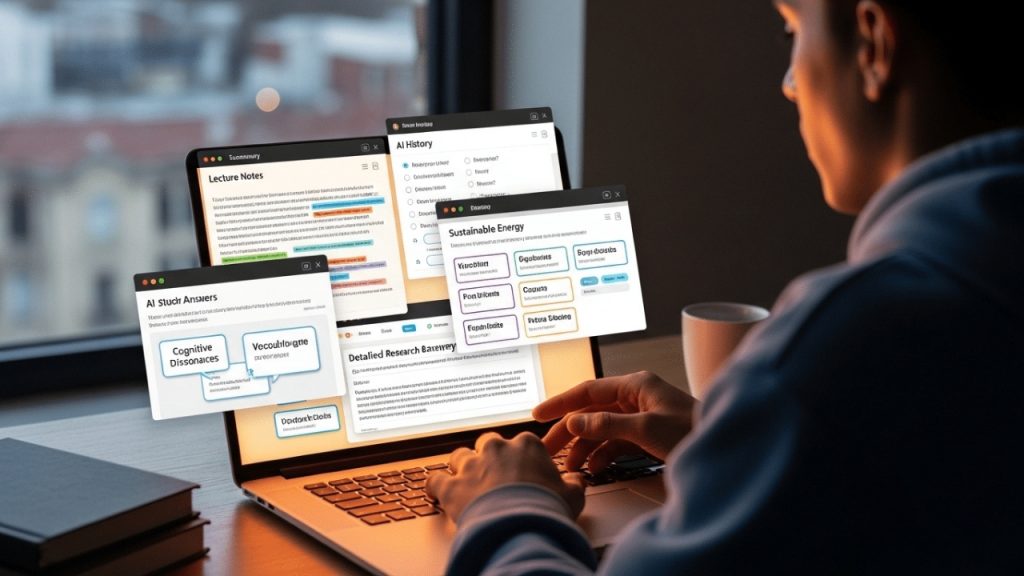
Here’s a stat that shocked me: According to a recent Pew Research study, over 70% of college students now use AI tools weekly — up from just 22% in 2023.
But here’s what most students get wrong: they use AI to cheat instead of using it to learn faster. The students getting the best grades aren’t replacing their brains with AI — they’re using AI as a study partner that’s available 24/7.
The right AI tools can help you:
- Understand difficult concepts in seconds
- Generate study notes from textbooks
- Improve your writing dramatically
- Solve complex math problems step-by-step
- Create presentations in minutes
- Research topics with real sources
Now let’s get into the tools.
🏆 Best AI Tools for Writing & Essays
1. ChatGPT — The All-in-One Study Assistant
Best For: Brainstorming, explanations, essay outlines, coding help
Free Plan: Yes (GPT-4o mini) | Paid: $20/month for GPT-4o
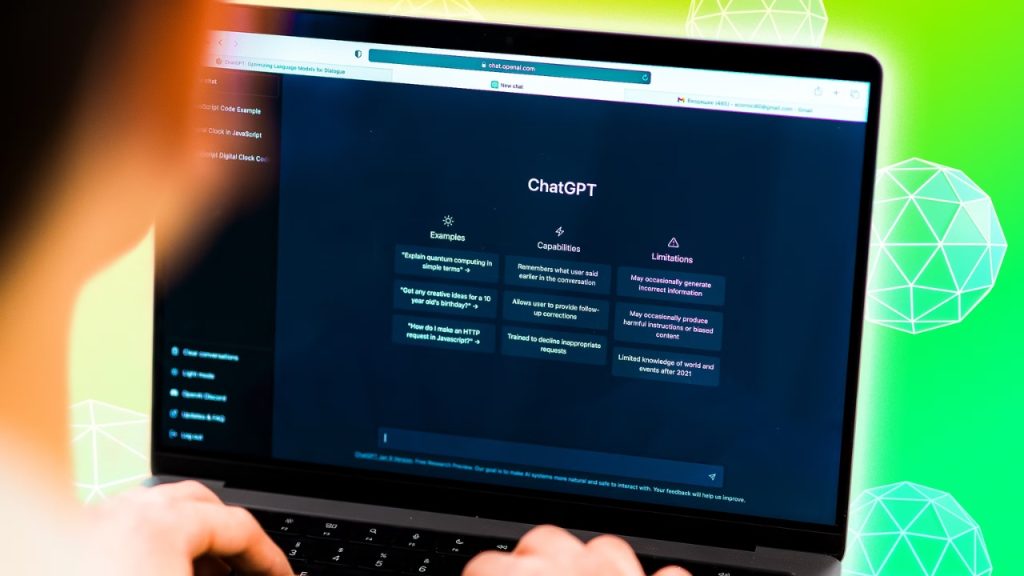
ChatGPT is still the king of student AI tools, and for good reason. I’ve used it for everything from explaining quantum physics to debugging Python code at 2 AM before a deadline.
My favorite student use cases:
- Ask it to explain concepts “like I’m 5 years old”
- Generate essay outlines in 30 seconds
- Create practice quizzes from your notes
- Translate study materials between languages
Real example: Last month, I struggled with calculus integration. I uploaded my notes, asked ChatGPT to explain step-by-step, and got a clearer explanation than my $200 textbook gave me.
Pro Tip: Use the prompt: “Act as a [SUBJECT] tutor. Explain [TOPIC] using simple analogies and end with 3 practice questions.”
🔗 Try it: chat.openai.com
2. Claude — The Smart Writing Partner
Best For: Long essays, research analysis, document review
Free Plan: Yes | Paid: $20/month for Pro
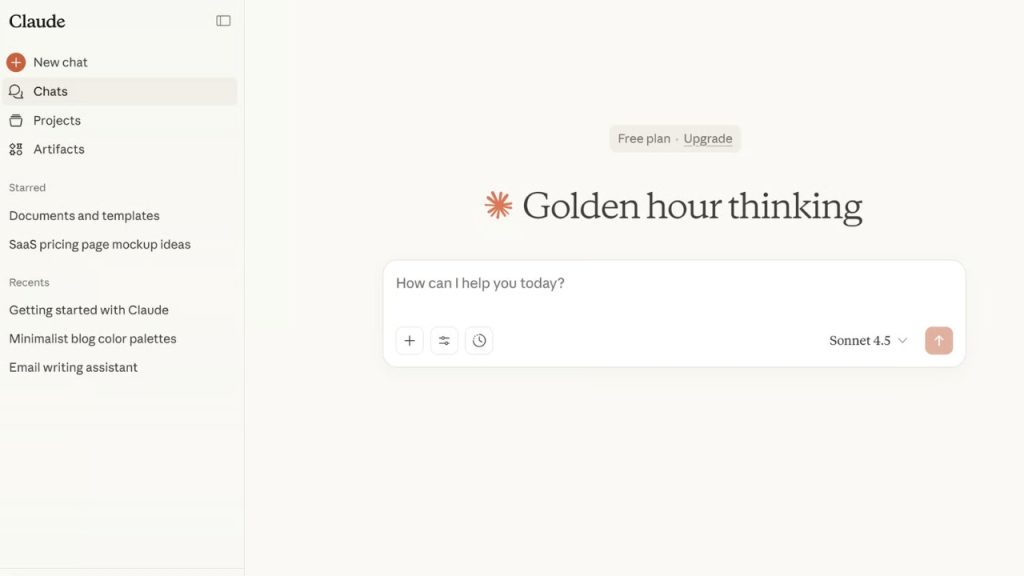
Claude (made by Anthropic) is what I personally use for serious writing. While ChatGPT is great for quick tasks, Claude excels at longer, more thoughtful work.
Why students love Claude:
- Handles documents up to 200,000 words
- Better at academic writing tone
- More accurate for research papers
- Excellent at analyzing PDFs and articles
Real talk: I wrote my entire 5,000-word literature review with Claude’s help, and my professor commented it was the most well-structured paper he’d seen that semester.
🔗 Try it: claude.ai
3. Grammarly — Your Writing Bodyguard
Best For: Grammar, spelling, tone, plagiarism check
Free Plan: Yes | Premium: $12/month
If you’re writing anything in English (papers, emails, applications), Grammarly is non-negotiable. It catches mistakes I would have missed and suggests improvements that genuinely make my writing better.
What makes 2026 Grammarly different:
- Now powered by GPT-4 for advanced suggestions
- Real-time tone detection
- Built-in citation generator
- Plagiarism checker (Premium only)
🔗 Try it: grammarly.com
📚 Best AI Tools for Research & Studying
4. Perplexity AI — Google on Steroids
Best For: Research with verified sources
Free Plan: Yes | Pro: $20/month
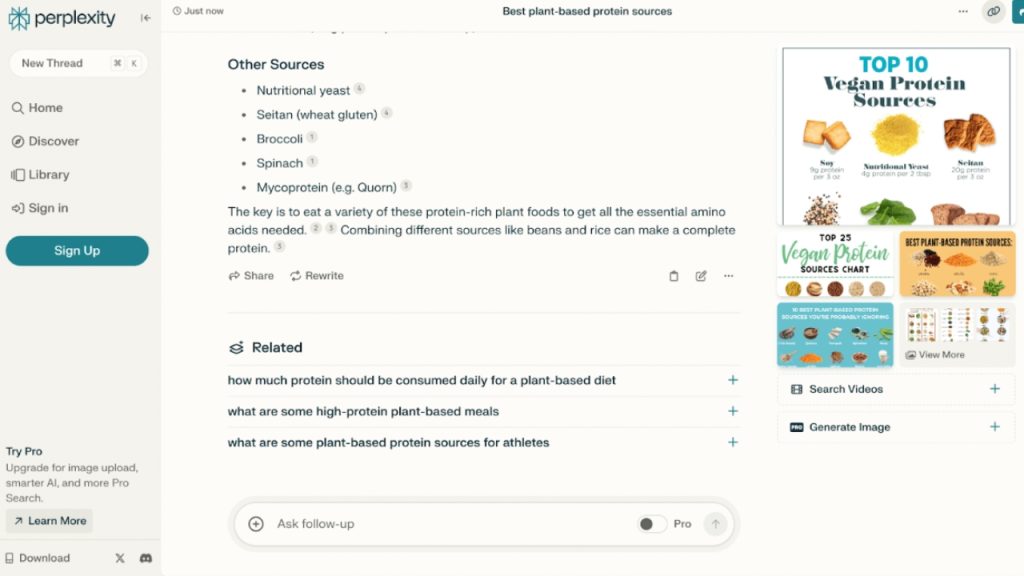
This is my #1 research tool. Unlike ChatGPT, Perplexity gives you real-time information with cited sources. No more wondering if the AI is hallucinating facts.
Why it’s perfect for students:
- Every answer comes with clickable sources
- Works like Google but smarter
- Free academic version available
- Can read uploaded PDFs
Use case: Need 5 academic sources for a paper? Perplexity finds them in seconds.
🔗 Try it: perplexity.ai
5. NotebookLM — The Underrated Gem
Best For: Turning your notes into study materials
Free Plan: Yes (completely free!)
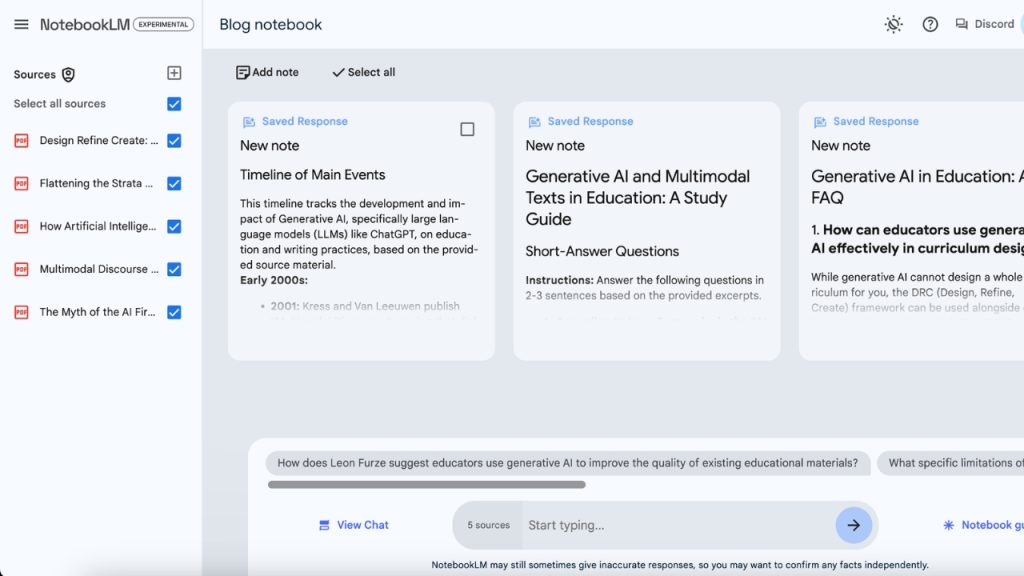
If you haven’t heard of NotebookLM yet, you’re missing out. This Google-made tool is hands-down the best free AI tool for students in 2026.
Mind-blowing features:
- Upload up to 50 documents/PDFs
- Generates podcast-style audio summaries of your notes
- Creates flashcards automatically
- Answers questions only based on YOUR materials (no hallucinations)
- Generates study guides from textbooks
Real example: I uploaded 12 lecture PDFs and NotebookLM created a 15-minute podcast summarizing the entire course. I listened during my commute and aced the exam.
🔗 Try it: notebooklm.google.com
6. ChatPDF — Talk to Your Textbooks
Best For: Understanding research papers and PDFs
Free Plan: Yes (limited) | Plus: $5/month
Reading a 50-page research paper feels like punishment. ChatPDF lets you upload any PDF and ask questions about it like you’re chatting with the author.
Perfect for:
- Summarizing dense academic papers
- Finding specific information fast
- Understanding complex methodology sections
- Creating notes from textbooks
🔗 Try it: chatpdf.com
🧮 Best AI Tools for Math & Science
7. Wolfram Alpha — The Math Genius
Best For: Complex math, physics, chemistry
Free Plan: Yes (basic) | Pro: $7.25/month for students
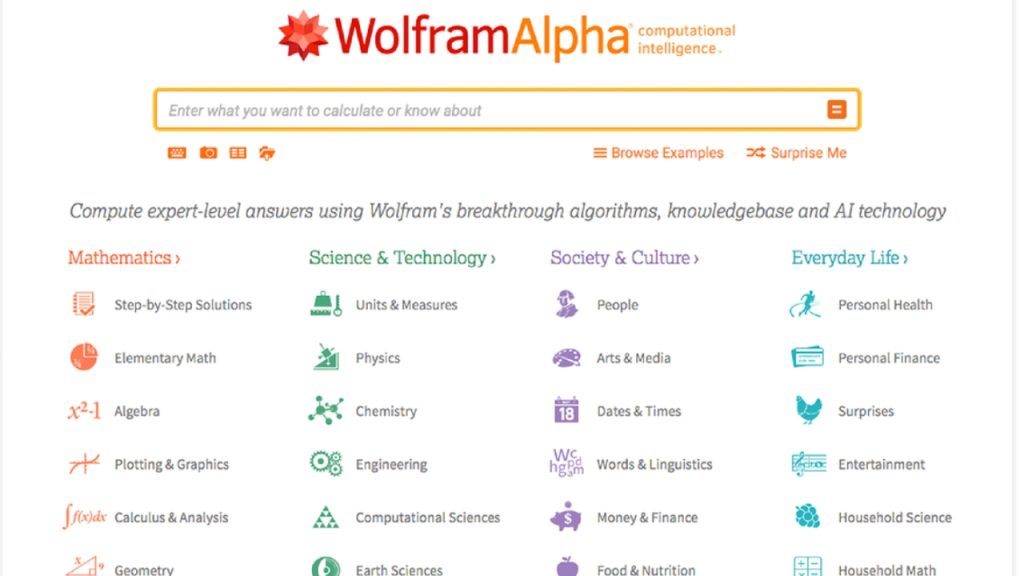
Wolfram Alpha isn’t new, but it’s still unbeatable for STEM students in 2026. It doesn’t just solve problems — it shows step-by-step solutions.
Beyond basic math:
- Solves calculus, statistics, linear algebra
- Handles physics and chemistry equations
- Plots graphs and 3D visualizations
- Works for engineering problems
🔗 Try it: wolframalpha.com
8. Photomath — Snap and Solve
Best For: Quick math homework help
Free Plan: Yes | Plus: $9.99/month
Take a photo of any math problem, and Photomath solves it with detailed steps. The 2026 version now includes AI tutoring that explains the underlying concept.
🔗 Try it: Available on iOS and Android
🎨 Best AI Tools for Productivity
9. Gamma — Presentations in Minutes
Best For: Creating slides without effort
Free Plan: Yes (400 credits) | Plus: $10/month

Forget spending 6 hours on PowerPoint. Type your topic into Gamma, and it generates a complete, beautifully designed presentation in under 60 seconds.
Why it’s amazing:
- AI generates content AND design
- Looks better than most student-made slides
- Edit anything you don’t like
- Export to PowerPoint or PDF
🔗 Try it: gamma.app
10. Otter.ai — Never Take Notes Again
Best For: Transcribing lectures and meetings
Free Plan: Yes (300 minutes/month) | Pro: $8.33/month
Otter records your lectures and transcribes them in real-time. After class, you get searchable notes with AI-generated summaries.
Game-changing features:
- Live transcription during lectures
- AI-generated summaries and key points
- Search any word in past lectures
- Works with Zoom, Google Meet, Teams
🔗 Try it: otter.ai
11. Quillbot — The Paraphrasing King
Best For: Rewriting, summarizing, citations
Free Plan: Yes | Premium: $9.95/month
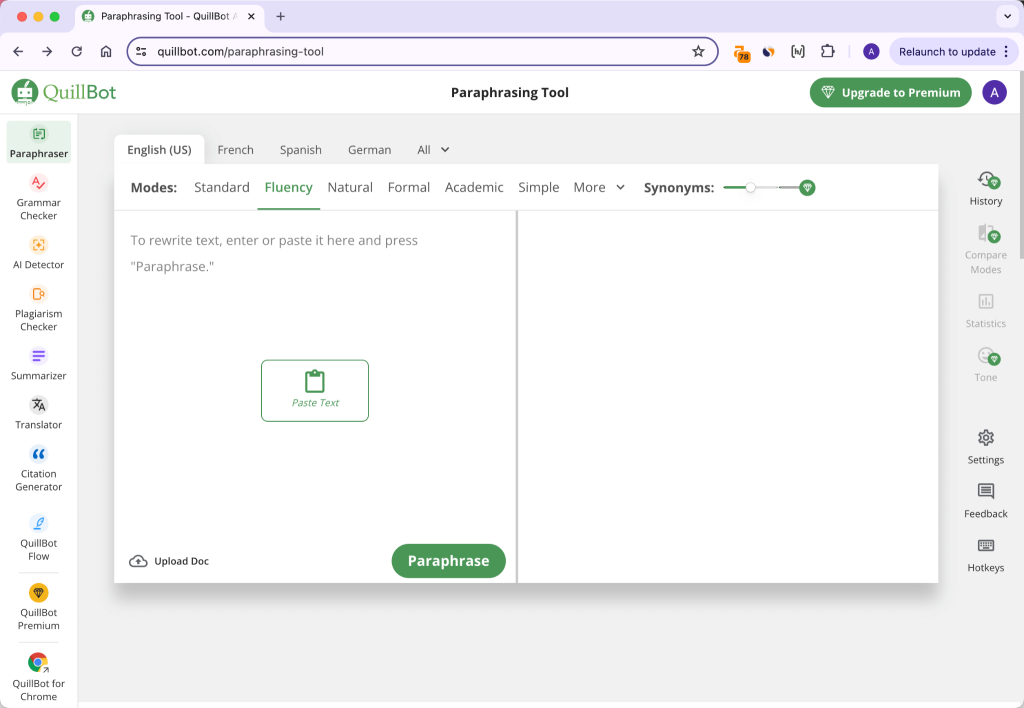
Need to rephrase something without losing meaning? Quillbot does it perfectly. It’s also a lifesaver for citations with its built-in citation generator.
Best uses:
- Improve sentence flow
- Summarize long paragraphs
- Generate citations in any format
- Check grammar (free!)
🔗 Try it: quillbot.com
12. Goblin.tools — Productivity for ADHD Brains
Best For: Breaking down overwhelming tasks
Free Plan: Completely free!
This is a secret weapon I rarely see mentioned. Goblin.tools breaks down impossible tasks into tiny, manageable steps. Have a 30-page paper to write? Type it in, and you’ll get a step-by-step plan.
Tools include:
- “The Magic ToDo” (task breakdown)
- “Formalizer” (makes messages professional)
- “Estimator” (predicts task duration)
🔗 Try it: goblin.tools
⚖️ How to Use AI Tools Ethically as a Student
Let’s address the elephant in the room: using AI isn’t cheating, but how you use it matters.
✅ Ethical AI use:
- Using AI to explain concepts you don’t understand
- Generating study notes and flashcards
- Brainstorming ideas before writing
- Editing and improving your own writing
- Practice problems and quizzes
❌ Crosses the line:
- Submitting AI-generated essays as your own work
- Using AI during prohibited exams
- Copying AI answers without understanding
- Plagiarizing from AI without attribution
My personal rule: If I learned something from the AI interaction, I used it correctly. If I just copied something I didn’t understand, I cheated myself.

🎯 My Recommended AI Tool Stack for Students
Don’t overwhelm yourself with all 12 tools. Here’s the minimum viable stack I recommend:
| Need | Tool | Cost |
|---|---|---|
| Writing & explanations | ChatGPT or Claude | Free |
| Research with sources | Perplexity | Free |
| Study notes from PDFs | NotebookLM | Free |
| Grammar checking | Grammarly | Free |
| Math problems | Wolfram Alpha | Free |
Total cost: $0/month. You can do 90% of your studying with these 5 free tools.
❓ Frequently Asked Questions
What’s the best free AI tool for students in 2026?
NotebookLM is the best completely free AI tool for students. It uploads your notes and creates podcasts, summaries, and study guides — all without any cost or limits.
Can professors detect AI-written essays?
Yes, tools like Turnitin and GPTZero can often detect AI-written content. The safest approach is to use AI for brainstorming and editing, but write the actual content in your own voice.
Is ChatGPT or Claude better for students?
ChatGPT is better for quick questions and broad tasks. Claude is better for long essays, research analysis, and document review. Many students use both.
Are AI tools allowed in universities?
Most universities now allow AI tools for studying and brainstorming, but prohibit using them to write submitted assignments. Always check your specific course policy.
How do I avoid getting caught using AI?
The goal shouldn’t be to “avoid getting caught” — it should be to use AI ethically. Use it to learn faster, not to submit work that isn’t yours.
💡 Final Thoughts
The students who will thrive in 2026 and beyond aren’t the ones avoiding AI — they’re the ones who master AI as a learning tool.
Pick 2-3 tools from this list that match your needs. Start with the free options. Build them into your daily study routine. Within a month, you’ll wonder how you ever studied without them.
What’s your favorite AI tool for studying? Drop a comment below — I read every single one.
Want more guides like this? Check out my other posts on [How to Save Battery Life on Your Android Phone – 15 Tips That Work] and [How to Speed Up Your Android Phone in 2026 – 10 Easy Tips].